Press kit
For anybody writing about OBSCURA OS or listing it in a directory: what it is, in three lengths, the marks, current pictures of it, and how to check the claim it rests on rather than repeat it. Use any of it without asking.
What it is
Three lengths, each a complete description. Please keep the facts as they are: the Workspace is free, and saving from the other tools, and the three larger applications, are paid.
About 50 characters
Private tools that run entirely in your browser.
About 160 characters
Documents, spreadsheets, slides and hundreds of single-purpose tools that run in your browser tab. Nothing you open is uploaded, and there is no account.
About 400 characters
OBSCURA OS is a set of working tools that run entirely in the browser. The Workspace (Docs, Sheets, Slides, Notes, a PDF editor and five more apps) is free, with no account. Hundreds of single tools each do one job, such as redacting a PDF or stripping a photo of its location: free to use, with saving the result part of OBSCURA Pro. Files are opened in the tab and never uploaded.
The facts a listing asks for
| Name | OBSCURA OS (in capitals; the single tools have capitalised names too, such as CLOAK and SEAL) |
|---|---|
| Address | obscuraos.com |
| Runs on | A current browser on any system. It can be installed as an app from the browser (how), and works with no connection once loaded. |
| Free | The Workspace: Docs, Sheets, Slides, Notes, Calendar, Tasks, Contacts, Plan, Drive and the PDF editor, with no account. Every other single tool is free to open and check a file with. |
| Paid | OBSCURA Pro, $15 a month or $144 a year with 7 days free: saving the result in the single tools, and the whole of the Sovereign Suite, the Photo Editor and the Engineering Suite. Team, Business and one-day or one-week passes are on the Pro page. |
| Account | None. Pro is a key, not an account. |
| Advertising | None. |
| Categories | Office suite, PDF editor, privacy tools, metadata removal, file forensics, photo editor, CAD |
| Operated from | Canada |
| Contact | [email protected] |
How to check the claim
Every page here says nothing you open is uploaded. A reviewer should not take that on trust, and does not have to. /verify sets out the whole method; in short:
- Open the browser's developer tools on the Network tab, with the log preserved.
- Use a tool with a real file of some size, such as SEAL or X-RAY, and sort the requests by size. The page and its code come down; the file does not go up. The only requests back to the site are its page count, about sixty bytes each, which /verify describes field by field.
- Read the Content-Security-Policy header on any page. It limits where the page may send anything, and the browser enforces it, whatever the code says. /verify explains each line, including the one outside host it permits.
- Load a tool, turn off the network, and use it anyway.
There has been no third-party audit, and nothing here is a certification. It is evidence anybody can gather in a few minutes.
Logos
The mark is a cube; the wordmark sets it beside OBSCURA OS. Please do not redraw either or set the name in another face.
- wordmark.svg: the mark and the name, as outlines, in one colour: black when the file is opened on its own, and the colour of the text around it when placed in a page
- favicon.svg: the mark as an app icon, a blue cube on a dark rounded square, as a vector
- favicon-512.png: the same icon, 512 by 512 pixels, for places that want a bitmap



Pictures
Taken from the applications as they are today, 1440 by 900 pixels. Smaller copies, 800 pixels wide, are beside each one with -800 in the name.
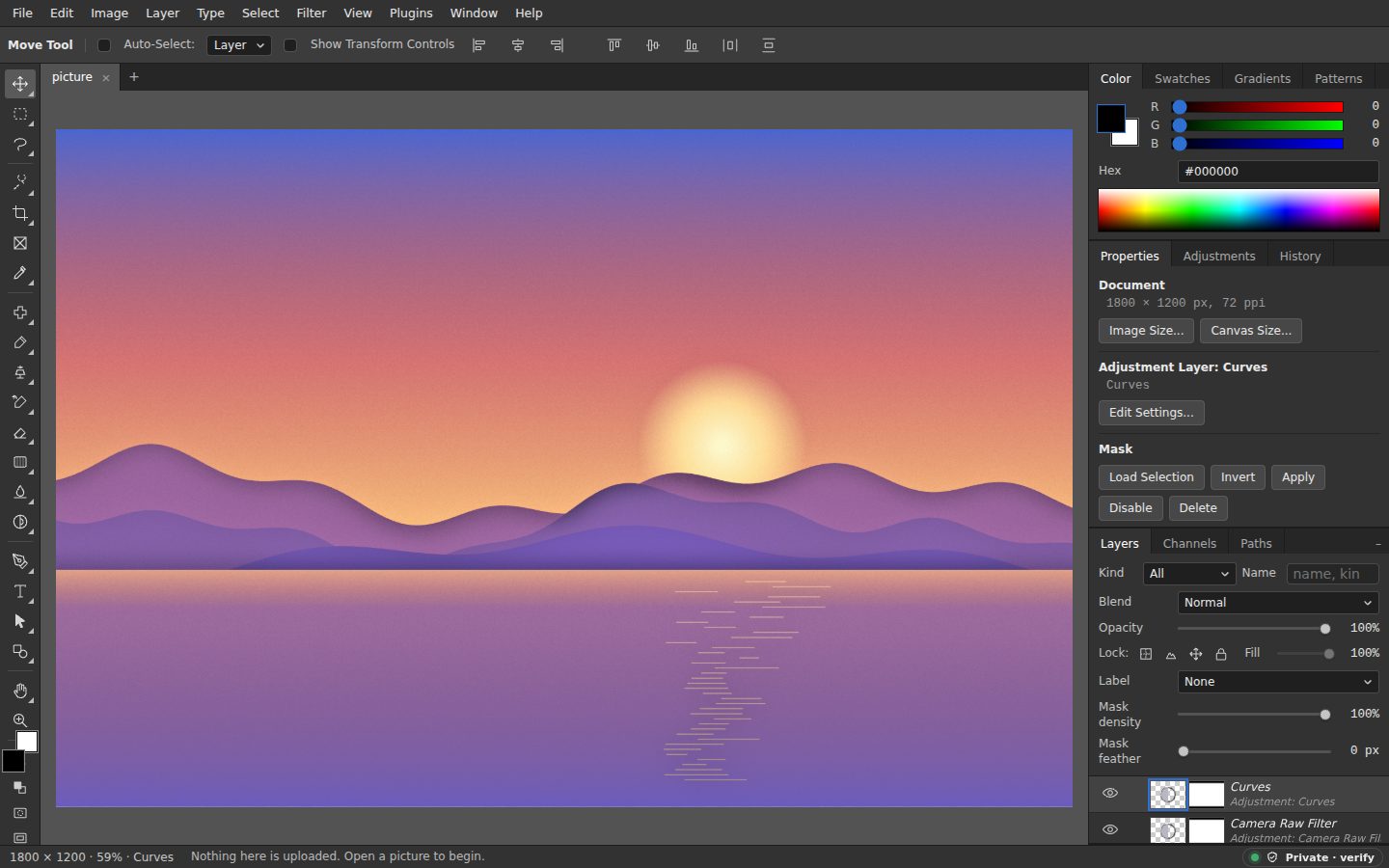
- photo-editor-preview.jpg: the Photo Editor with a photo open, tools on the left and the colour, properties and layers panels on the right
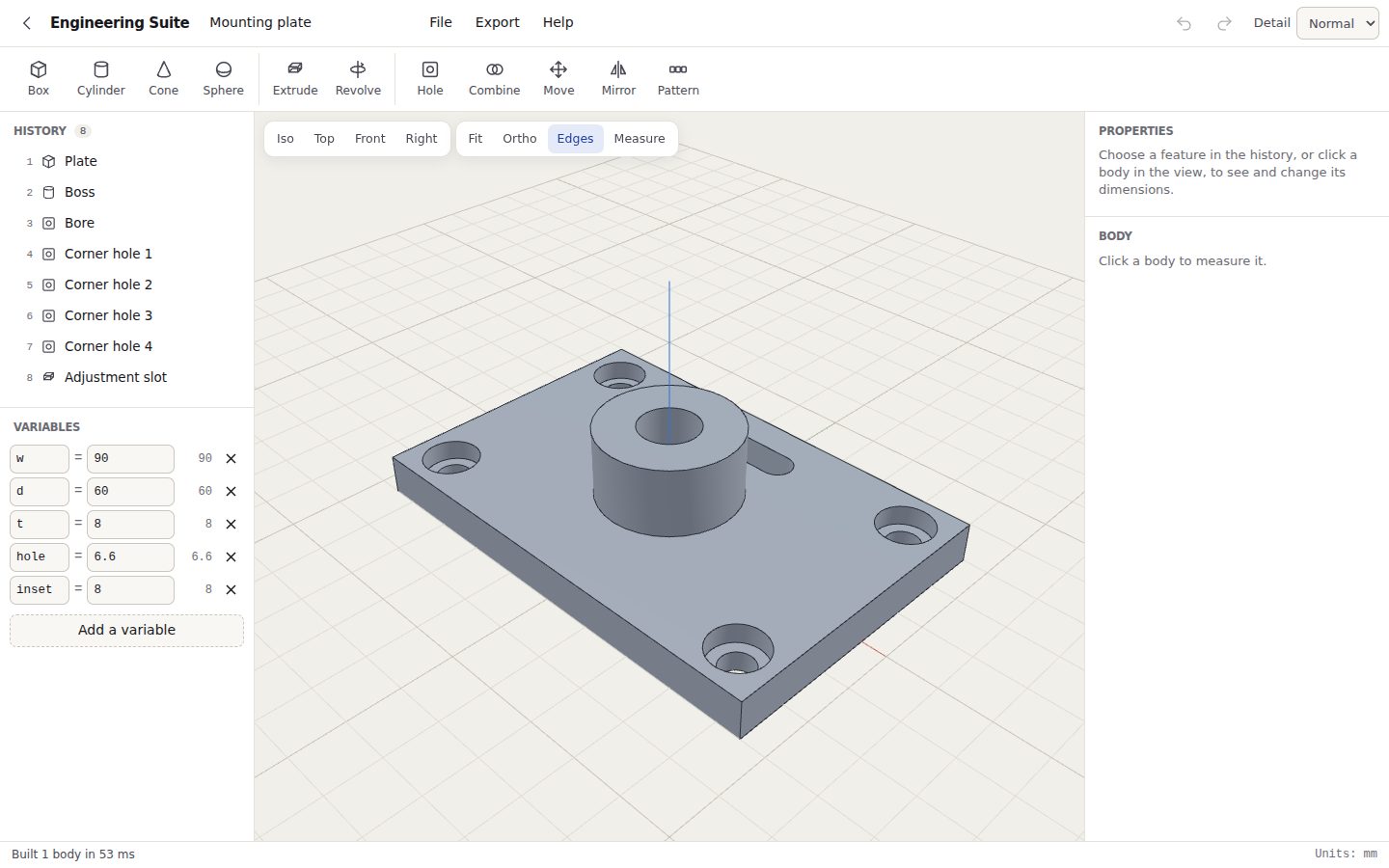
- engineering-suite-preview.jpg: the Engineering Suite with a mounting plate in the 3D view, its feature history and variables on the left
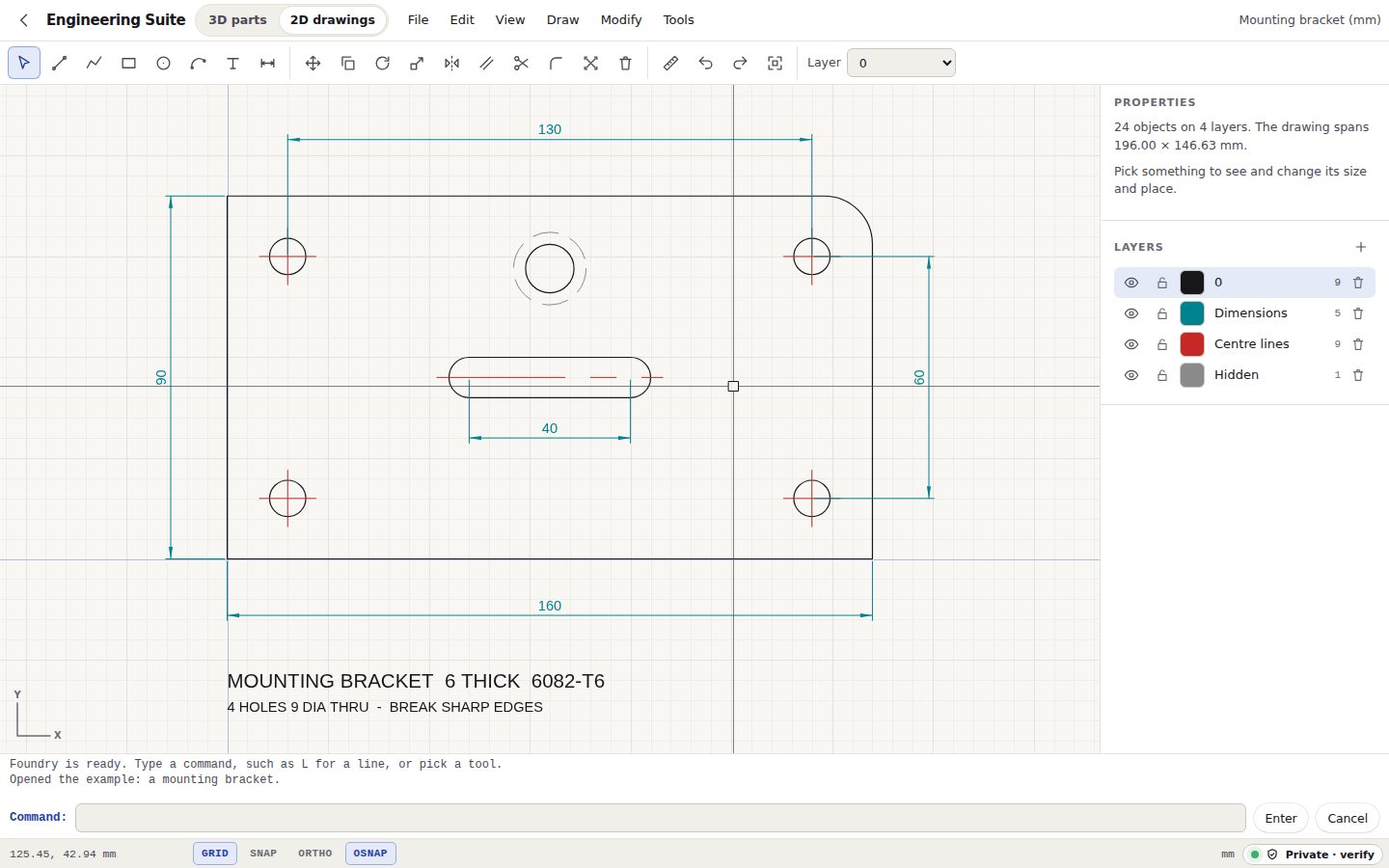
- foundry-preview.jpg: Foundry, the Engineering Suite's 2D drawings, with a bracket drawn and dimensioned
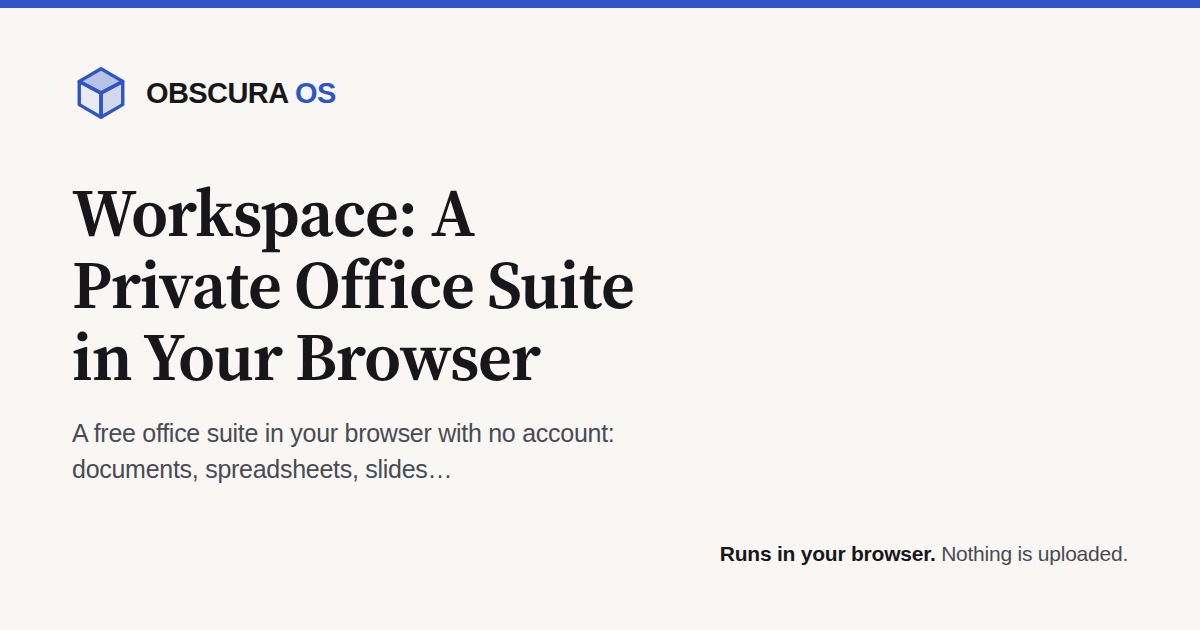
Every page on the site also has its own share picture, 1200 by 630, at /og/ followed by the page's address and .jpg: /og/index.jpg for the front door, /og/workspace.jpg for the Workspace.
Following it
What changed, as it ships: /whats-new, also as a feed at /feed.xml. New guides: /guides, and the feed at /guides.xml. Questions about any of this go to [email protected].