OBSCURA Pro
The Engineering Suite’s drawings are part of Pro
Foundry, the 2D side of the Engineering Suite: draw, dimension and print to scale, and trade DXF with AutoCAD. Your drawings never leave your machine.
This browser’s Pro key was not accepted: the subscription or pass behind it has ended. Renew or subscribe below.
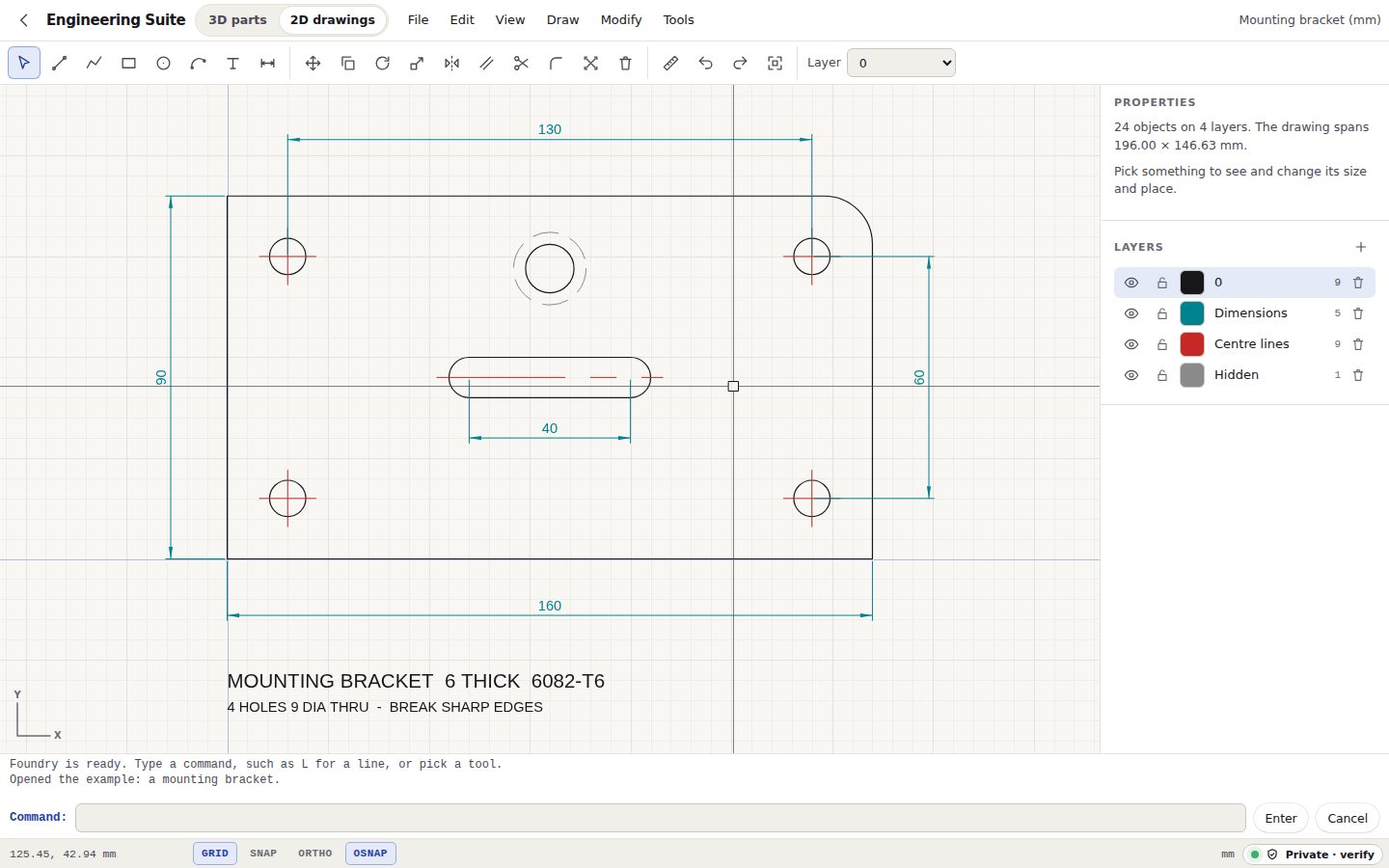
- Drafting that snaps Lines, polylines, rectangles, circles, arcs and text, caught on ends, midpoints, centres, crossings and perpendiculars
- Dimensions and layers Aligned dimensions that follow their geometry, layers with colours, locking and visibility
- The edits you reach for Move, copy, rotate, scale, mirror, offset, trim, fillet, explode, grips, and undo for all of it
- DXF in and out Opens drawings from AutoCAD and every other CAD program, blocks and all, and saves them back
- Prints to scale A PDF at 1:1, 1:10 or 1:100 on A4 to A0 or US sizes, with a border and a title block
- Nothing uploaded Your designs stay on this device, and it keeps working offline once opened