Savings goal template
A target, a date, and what you need to put by each month to get there, worked out again with every amount you add.
Open in SheetsFree, with no account. What you type stays in this browser. Saves as Excel, OpenDocument or CSV.
What is in it
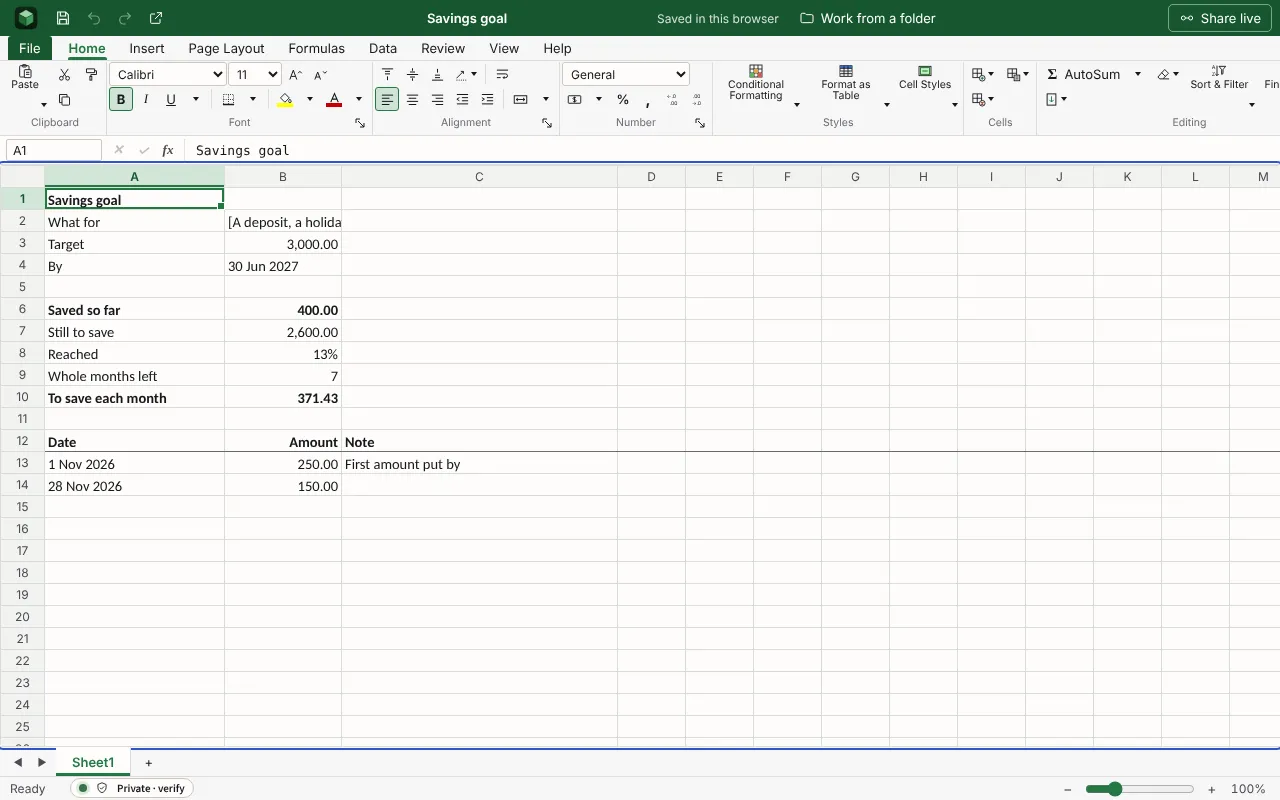
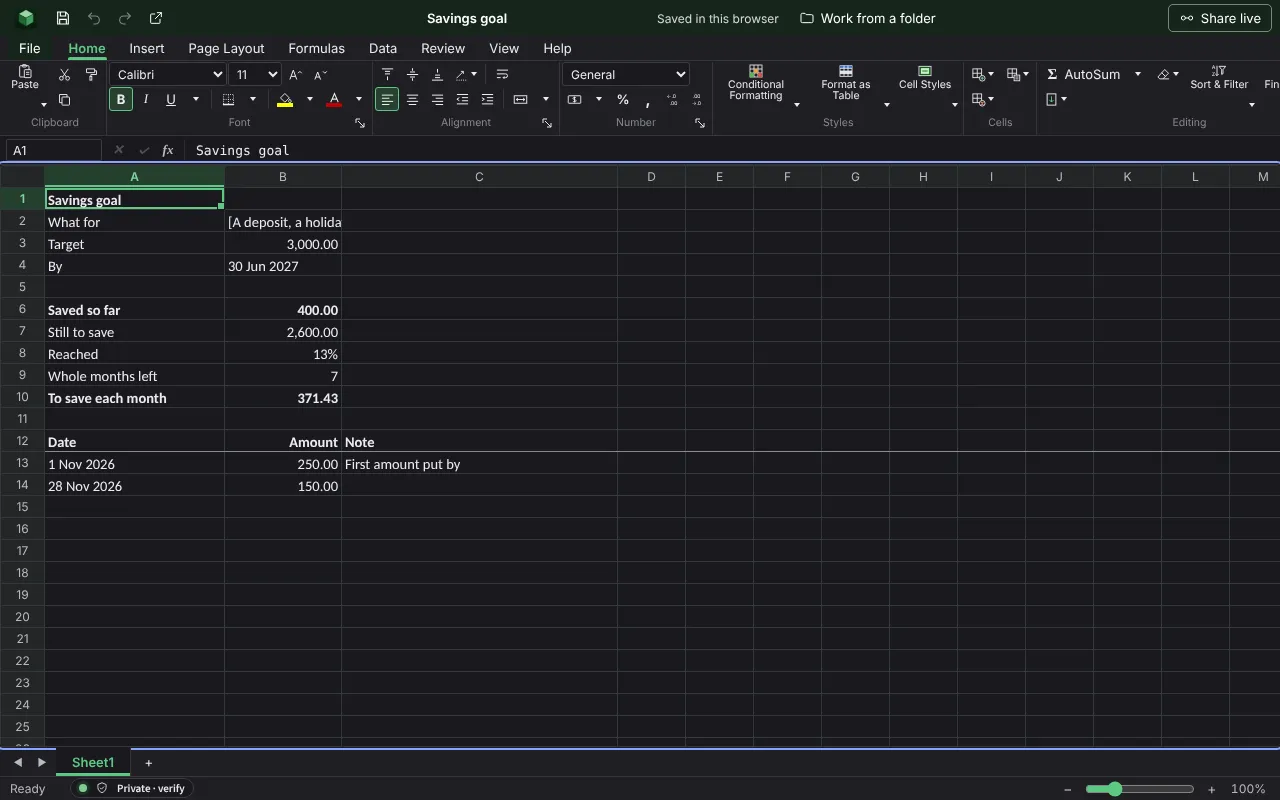
A target and a date, each amount put by, how much is left to save, and what that comes to each month until the date. The figures are examples to type over.
| Savings goal | ||
| What for | [A deposit, a holiday, money for a rainy day] | |
| Target | 3000 | |
| By | 2027-06-30 | |
| Saved so far | =SUM(B13:B60) | |
| Still to save | =MAX(0,B3-B6) | |
| Reached | =IF(B3=0,"",ROUND(B6/B3*100,0)&"%") | |
| Whole months left | =IF(B4<=TODAY(),0,DATEDIF(TODAY(),B4,"m")) | |
| To save each month | =IF(B9=0,B7,ROUND(B7/B9,2)) | |
| Date | Amount | Note |
| 2026-11-01 | 250 | First amount put by |
| 2026-11-28 | 150 |
Worked out for you
These cells are formulas, so they follow whatever you type. Each is shown as written in its first row.
- Saved so far
=SUM(B13:B60)- Still to save
=MAX(0,B3-B6)- Reached
=IF(B3=0,"",ROUND(B6/B3*100,0)&"%")- Whole months left
=IF(B4<=TODAY(),0,DATEDIF(TODAY(),B4,"m"))- To save each month
=IF(B9=0,B7,ROUND(B7/B9,2))
Filling it in
- Set the date first, then the target. “£3,000 by June” can be planned; “save more” cannot.
- Add every amount on the day you move it. The monthly figure updates and tells you whether you are ahead.
- Keep the savings somewhere separate from the account you spend from.
More templates
- Monthly budgetMoney in and money out for a household month, planned against actual, with the difference on each line and what is left at the end.Open in Sheets
- Habit trackerA month of days across and a habit on each row: put an x on each day you kept it, and the days kept and the rate are counted.Open in Sheets
- Event budgetEach cost of a wedding, party or conference with its supplier, the estimate, the actual price, what has been paid and what is still to pay, against the total you set.Open in Sheets