Event budget template
Every cost of the event, estimated and then actual, with what has been paid and what is left against your total.
Open in SheetsFree, with no account. What you type stays in this browser. Saves as Excel, OpenDocument or CSV.
What is in it
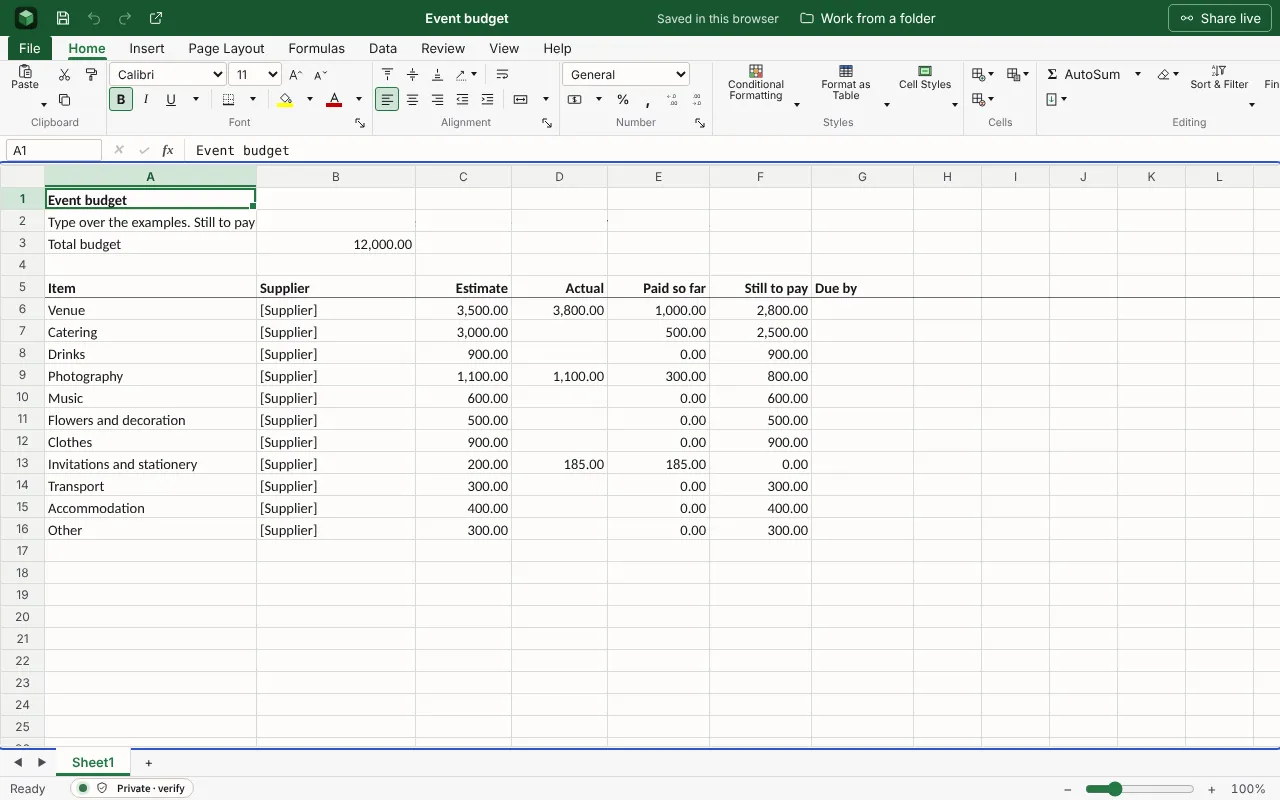
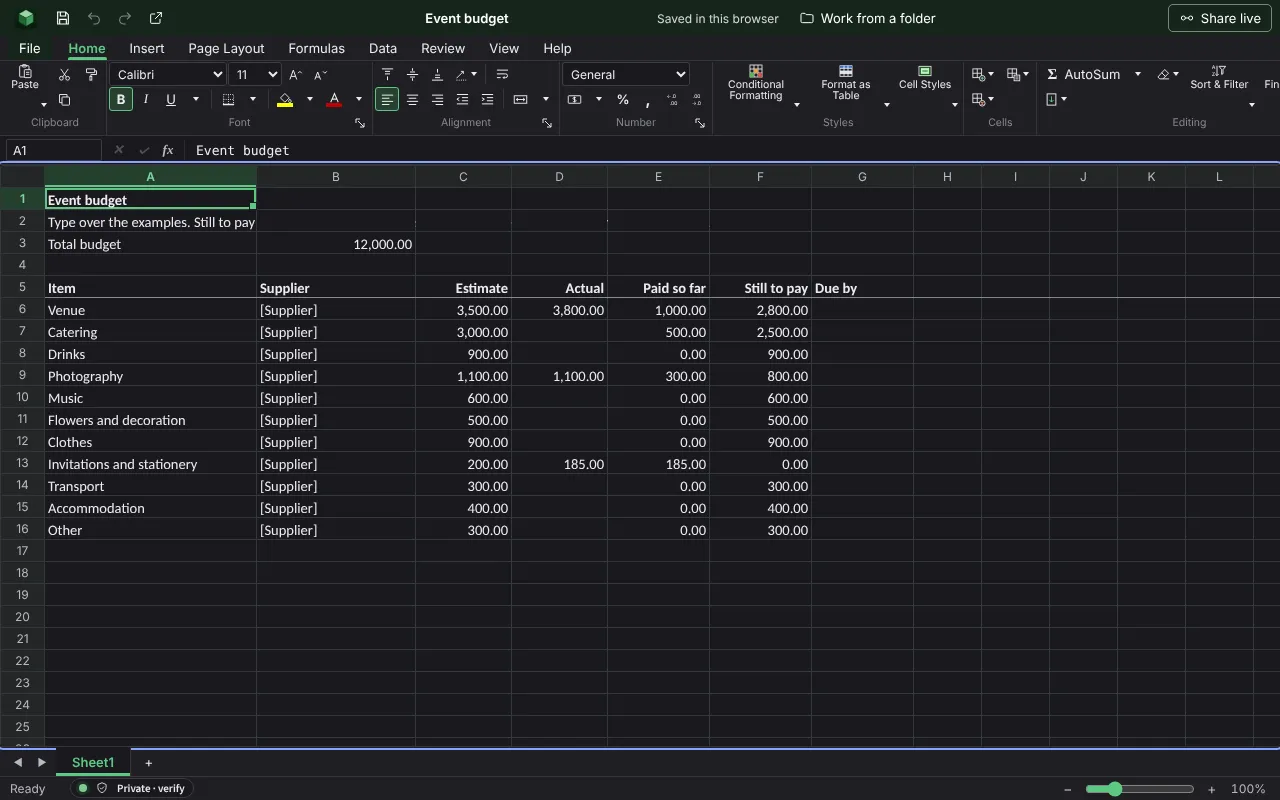
Each cost of a wedding, party or conference with its supplier, the estimate, the actual price, what has been paid and what is still to pay, against the total you set. The figures are examples to type over.
| Event budget | ||||||
| Type over the examples. Still to pay is the actual price, or the estimate until there is one, less what has been paid. | ||||||
| Total budget | 12000 | |||||
| Item | Supplier | Estimate | Actual | Paid so far | Still to pay | Due by |
| Venue | [Supplier] | 3500 | 3800 | 1000 | =IF(AND(C6="",D6=""),"",IF(D6="",C6,D6)-E6) | |
| Catering | [Supplier] | 3000 | 500 | =IF(AND(C7="",D7=""),"",IF(D7="",C7,D7)-E7) | ||
| Drinks | [Supplier] | 900 | 0 | =IF(AND(C8="",D8=""),"",IF(D8="",C8,D8)-E8) | ||
| Photography | [Supplier] | 1100 | 1100 | 300 | =IF(AND(C9="",D9=""),"",IF(D9="",C9,D9)-E9) | |
| Music | [Supplier] | 600 | 0 | =IF(AND(C10="",D10=""),"",IF(D10="",C10,D10)-E10) | ||
| Flowers and decoration | [Supplier] | 500 | 0 | =IF(AND(C11="",D11=""),"",IF(D11="",C11,D11)-E11) | ||
| Clothes | [Supplier] | 900 | 0 | =IF(AND(C12="",D12=""),"",IF(D12="",C12,D12)-E12) | ||
| Invitations and stationery | [Supplier] | 200 | 185 | 185 | =IF(AND(C13="",D13=""),"",IF(D13="",C13,D13)-E13) | |
| Transport | [Supplier] | 300 | 0 | =IF(AND(C14="",D14=""),"",IF(D14="",C14,D14)-E14) | ||
| Accommodation | [Supplier] | 400 | 0 | =IF(AND(C15="",D15=""),"",IF(D15="",C15,D15)-E15) | ||
| Other | [Supplier] | 300 | 0 | =IF(AND(C16="",D16=""),"",IF(D16="",C16,D16)-E16) | ||
=IF(AND(C17="",D17=""),"",IF(D17="",C17,D17)-E17) | ||||||
=IF(AND(C18="",D18=""),"",IF(D18="",C18,D18)-E18) | ||||||
Worked out for you
These cells are formulas, so they follow whatever you type. Each is shown as written in its first row.
- Still to pay
=IF(AND(C6="",D6=""),"",IF(D6="",C6,D6)-E6)- Total: Estimate
=SUM(C6:C25)- Total: Actual
=SUM(D6:D25)- Total: Paid so far
=SUM(E6:E25)- Total: Still to pay
=SUM(F6:F25)- Expected cost: Still to pay
=E27+F27- Left in the budget: Still to pay
=B3-F28
Filling it in
- Set the total first and allow around a tenth of it for things nobody thought of.
- Replace each estimate with the actual price as soon as a supplier quotes, and the remaining budget becomes real.
- Note when each balance is due. Venues and caterers often want the last payment weeks before the day.
More templates
- Monthly budgetMoney in and money out for a household month, planned against actual, with the difference on each line and what is left at the end.Open in Sheets
- Operating budgetBudget against actual for each category, with the variance and the totals worked out.Open in Sheets
- Savings goalA target and a date, each amount put by, how much is left to save, and what that comes to each month until the date.Open in Sheets