Habit tracker template
A month on a page: put an x on each day you kept a habit and see how many days and what share of the month.
Open in SheetsFree, with no account. What you type stays in this browser. Saves as Excel, OpenDocument or CSV.
What is in it
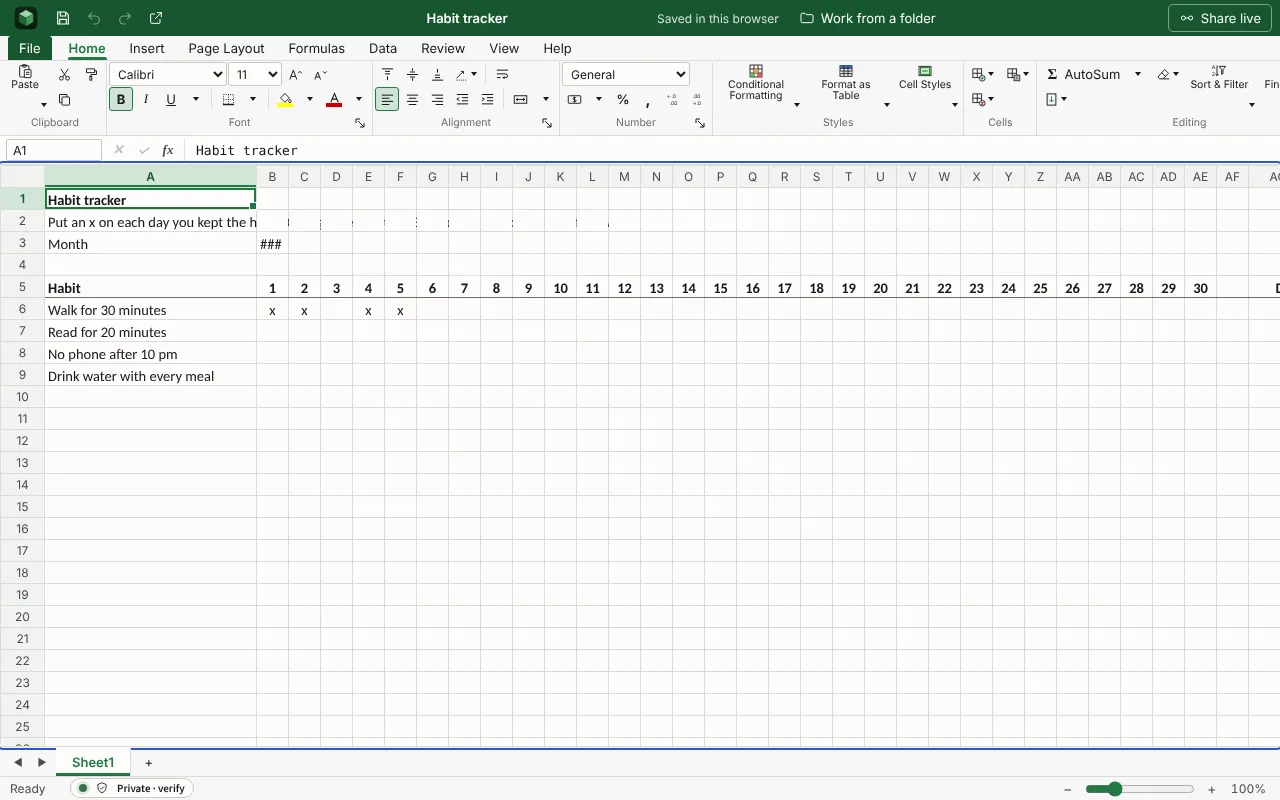
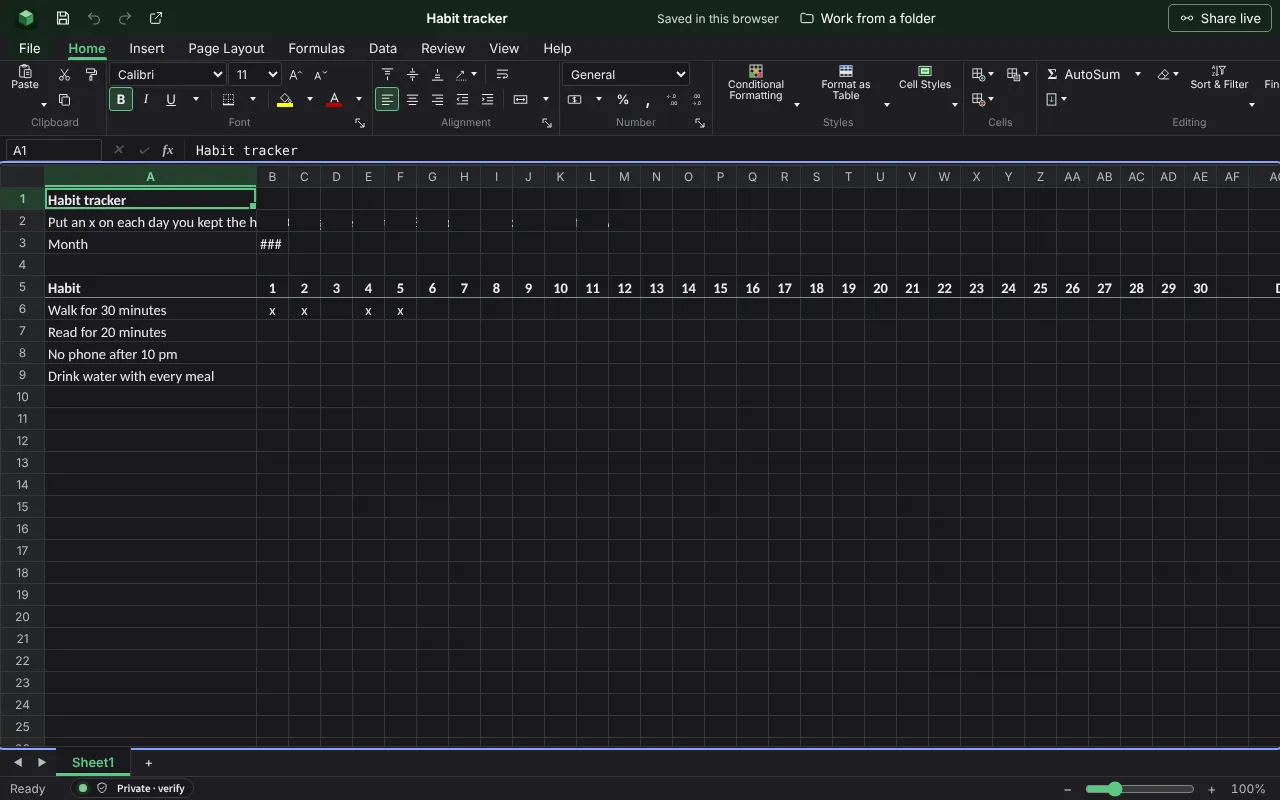
A month of days across and a habit on each row: put an x on each day you kept it, and the days kept and the rate are counted. The figures are examples to type over; the workbook runs wider than the columns shown here.
| Habit tracker | |||||||
| Put an x on each day you kept the habit. Change the month in B3 and the number of days follows. | |||||||
| Month | 2026-11-01 | ||||||
| Habit | 1 | 2 | 3 | 4 | 5 | 6 | 7 |
| Walk for 30 minutes | x | x | x | x | |||
| Read for 20 minutes | |||||||
| No phone after 10 pm | |||||||
| Drink water with every meal | |||||||
Worked out for you
These cells are formulas, so they follow whatever you type. Each is shown as written in its first row.
- Habit
=IF(DAY(EOMONTH($B$3,0))>=29,29,"")- Days
=IF(A6="","",COUNTIF(B6:AF6,"x"))- Rate
=IF(A6="","",ROUND(AG6/DAY(EOMONTH($B$3,0))*100,0)&"%")
Filling it in
- Track three or four habits at most. A long list becomes a list of things not done.
- Make each habit something you can do or not do in a day: “walk for 30 minutes”, not “be healthier”.
- Start a new copy each month and keep the old ones. The rates side by side show the trend.
More templates
- Savings goalA target and a date, each amount put by, how much is left to save, and what that comes to each month until the date.Open in Sheets
- Monthly budgetMoney in and money out for a household month, planned against actual, with the difference on each line and what is left at the end.Open in Sheets
- Mark bookEach pupil’s marks for tests, coursework and the exam, weighted as you set, with the overall percentage, the grade from your boundaries, and the class average.Open in Sheets