Operating budget template
What each category was meant to cost against what it did, with the difference worked out.
Open in SheetsFree, with no account. What you type stays in this browser. Saves as Excel, OpenDocument or CSV.
What is in it
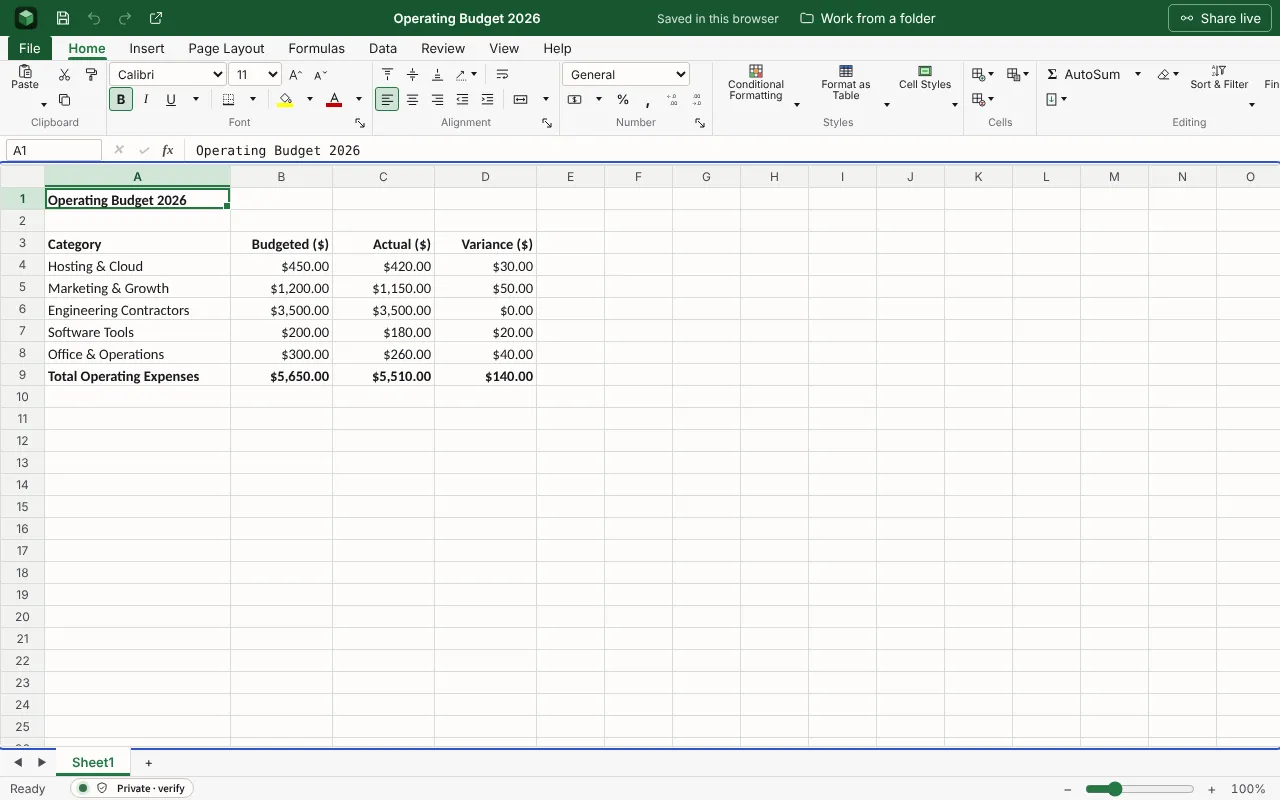
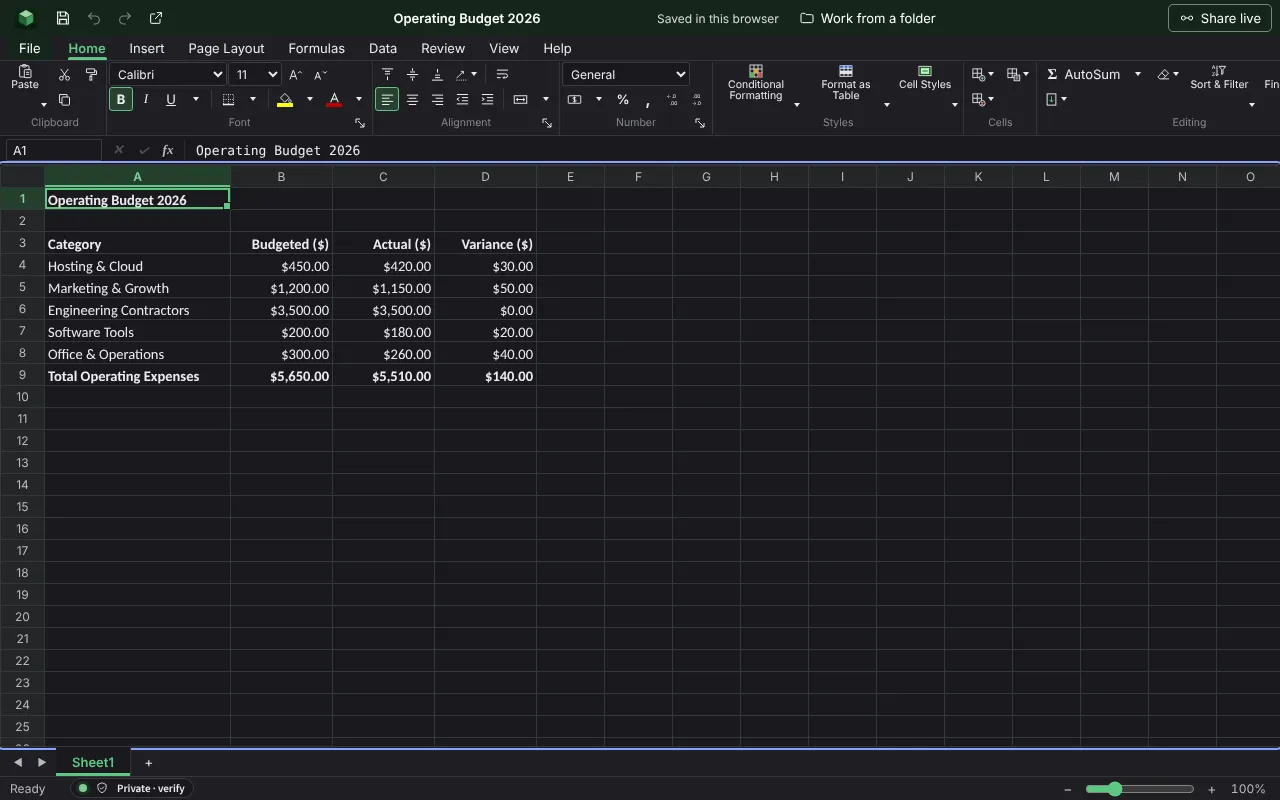
Budget against actual for each category, with the variance and the totals worked out. The figures are examples to type over.
| Operating Budget 2026 | |||
| Category | Budgeted ($) | Actual ($) | Variance ($) |
| Hosting & Cloud | 450 | 420 | =B4-C4 |
| Marketing & Growth | 1200 | 1150 | =B5-C5 |
| Engineering Contractors | 3500 | 3500 | =B6-C6 |
| Software Tools | 200 | 180 | =B7-C7 |
| Office & Operations | 300 | 260 | =B8-C8 |
| Total Operating Expenses | =SUM(B4:B8) | =SUM(C4:C8) | =SUM(D4:D8) |
Worked out for you
These cells are formulas, so they follow whatever you type. Each is shown as written in its first row.
- Variance ($)
=B4-C4- Total Operating Expenses: Budgeted ($)
=SUM(B4:B8)- Total Operating Expenses: Actual ($)
=SUM(C4:C8)- Total Operating Expenses: Variance ($)
=SUM(D4:D8)
Filling it in
- Use the categories your accounts use, so the actual figures can be copied straight across.
- Look at the variance on each line, not only the total. Two large differences can cancel out.
- Agree the budget figures before the period starts and leave them alone, so the comparison means something.
More templates
- Monthly budgetMoney in and money out for a household month, planned against actual, with the difference on each line and what is left at the end.Open in Sheets
- Cash-flow forecastSix months of money in and out, each month opening where the last one closed, and the lowest balance picked out.Open in Sheets
- Event budgetEach cost of a wedding, party or conference with its supplier, the estimate, the actual price, what has been paid and what is still to pay, against the total you set.Open in Sheets