Tutorials
Every application and the most used tools, each shown from its first screen to a saved file. Every film is a recording of the real thing, in chapters, with each step captioned and written out under it.
Start here
The site itself, and the free Workspace.
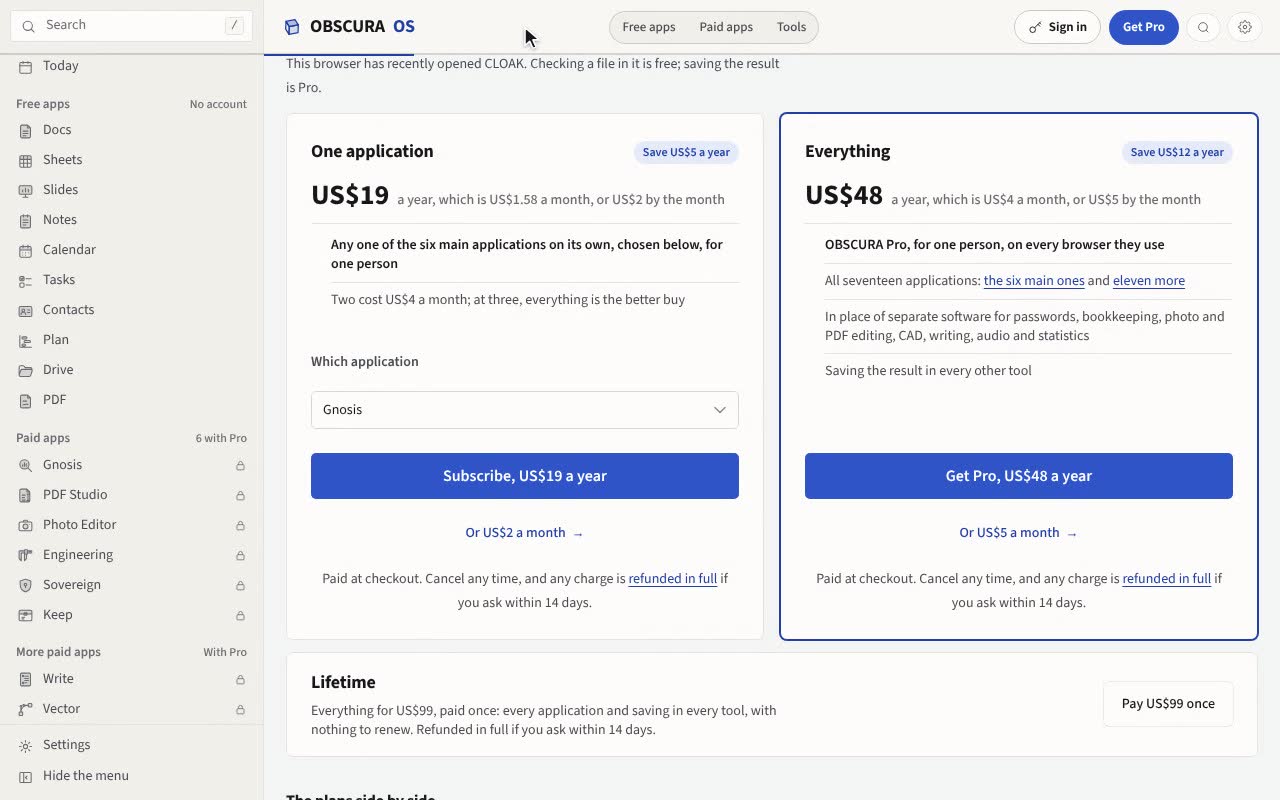 OBSCURA OSThe site itself: the front door, the console down the left of every page, opening things in tabs, searching, trying a paid application first, finding a tool, Settings and Pro.1 minute 50 seconds · 6 chapters · 16 steps
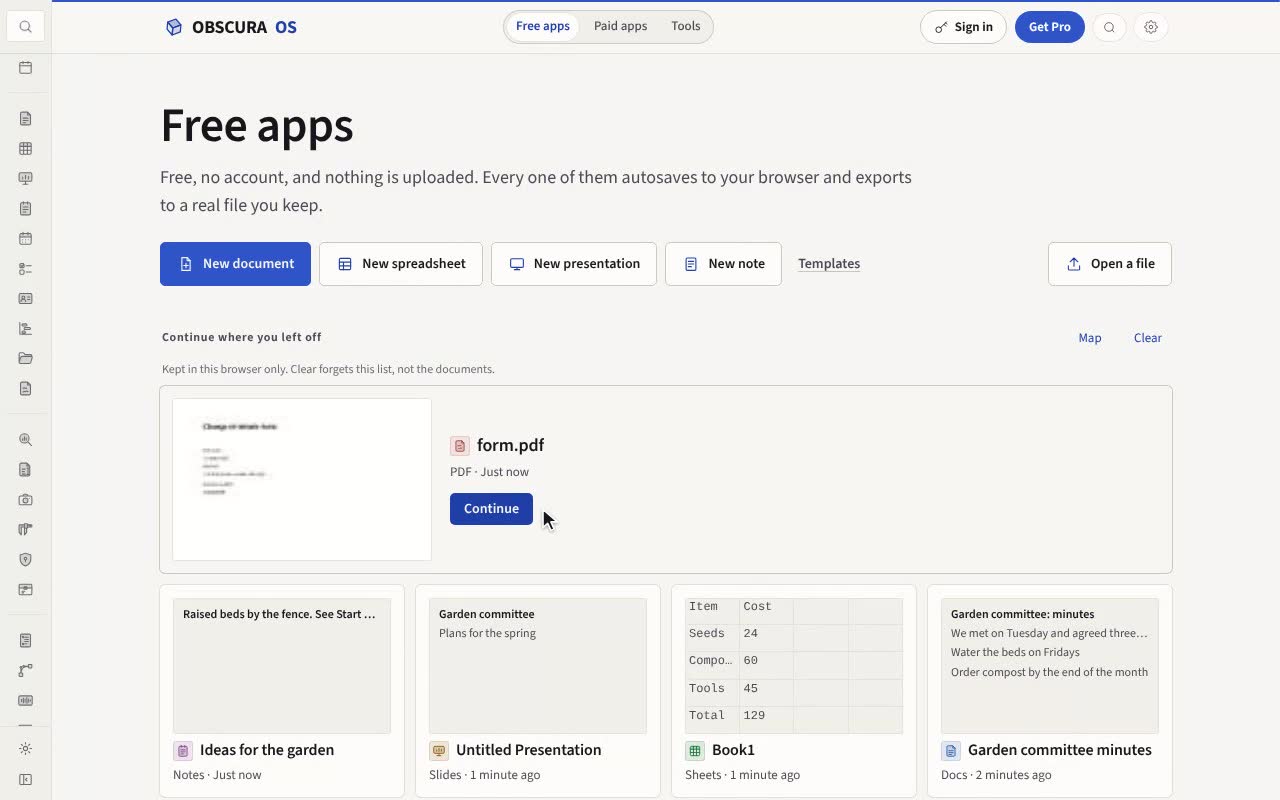 The WorkspaceThe free Workspace from its first screen: a document written, named and exported to Word, figures added up in Sheets, a presentation begun, a note taken, and all four waiting under Continue.3 minutes 10 seconds · 10 chapters · 29 steps
The six main applications
Each sold on its own or with Pro, and each with a read-only example to follow along with.
 GnosisGnosis from its first screen to a saved project: data opened, a test chosen and run, its output read, an interview coded and a systematic review screened.3 minutes 10 seconds · 7 chapters · 26 steps
 PDF StudioPDF Studio from a file chosen to a file saved: words retyped, pages turned, a form filled in and signed, a scan read, two versions compared and bank details redacted.2 minutes 30 seconds · 8 chapters · 21 steps
 The Photo EditorThe Photo Editor from a picture opened to a copy exported: the quick fixes, light and colour, a subject cut out, a step taken back, a look added as layers and words typed on.2 minutes · 8 chapters · 18 steps
 The Engineering SuiteThe Engineering Suite from its example part to a drawing of it: the view turned, sizes changed, a feature sketched and extruded, edges filleted, the part measured, cut open and exported.2 minutes 20 seconds · 6 chapters · 18 steps
 The Sovereign SuiteThe Sovereign Suite from its first screen to a first access review: Set up answered, the plan it writes, accounts reviewed, a SOC 2 control evidenced and a file sealed to send.3 minutes · 6 chapters · 20 steps
 KeepKeep from a passphrase chosen to the Keep locked: an item found, a login added with a made password, a code copied, the health check, the letter for your family and the backup file.2 minutes 20 seconds · 7 chapters · 25 steps
More applications, with Pro
The eleven that come with Pro.
 WriteWrite from a blank novel to a manuscript an agent can read: the binder, scenes, the corkboard, targets and Compile.2 minutes 50 seconds · 6 chapters · 20 steps
 VectorDraw from a blank artboard to a finished picture: shapes and colour, the pen, layers, type and export.1 minute 50 seconds · 6 chapters · 18 steps
 SoundEdit a recording from opening it to an MP3 at podcast loudness: measuring, cleaning up, cutting, markers and export.2 minutes · 7 chapters · 19 steps
 CaseCase from an empty first screen to a case file saved: a matter’s documents loaded, searched and coded, redacted, and produced with Bates numbers.2 minutes 10 seconds · 8 chapters · 22 steps
 BooksBooks from its first screen to a file for the accountant: a bank line explained, a rule made, an invoice written, the VAT return checked and the profit and loss read.2 minutes · 7 chapters · 18 steps
 PracticePractice from its first screen to the practice file saved: a matter opened, its conflict check run and recorded, time recorded, and a bill made from it and issued.2 minutes · 6 chapters · 17 steps
 UmbraWrite code in OBSCURA Umbra from a new project to an exported zip: a script run, a page previewed, a commit made.2 minutes 20 seconds · 6 chapters · 19 steps
 RootsBuild a family tree in OBSCURA Roots from one name to a GEDCOM file: parents, a partner and a child, a sourced fact, the charts, and sharing with the living kept private.2 minutes 20 seconds · 6 chapters · 21 steps
 AuthorshipWrite in OBSCURA Authorship from a new piece to a checked record: the typing kept, a paste and its source, the replay, and the bundle checked free.2 minutes · 7 chapters · 18 steps
 EraseWrite a data request in OBSCURA Erase from a blank start to a backed-up file: the letter, the deadline, the reply and what to send next.2 minutes 30 seconds · 8 chapters · 25 steps
 ConverterConvert a batch of files in OBSCURA Converter, from choosing them to saving the results: formats, options, a preset and a zip.1 minute 50 seconds · 6 chapters · 19 steps
Free tools
Single tools, each for one job. Checking a file is free; saving the result is Pro.
 CLOAKFrom a photo chosen to a cleaned copy: what the file says about where it was taken, the full report, covering part of the picture, and saving.1 minute 30 seconds · 5 chapters · 13 steps
 SCRUBFrom a Word file chosen to a clean copy: the author, comments and tracked changes it carries, the save, and a spreadsheet checked the same way.1 minute 20 seconds · 4 chapters · 12 steps
 SEALFrom a PDF chosen to a redacted copy: boxes drawn over a name, an account number and payments, one taken off again, and the pages burned in and saved.1 minute 10 seconds · 3 chapters · 11 steps
There is no sound in any of them, so they can be watched anywhere. For what a single button or menu does, see Help; for the keys, Keyboard shortcuts.