Incident report template
Written while it is worked: the facts kept apart from the reasons, and every entry in the timeline with its source.
Open in DocsFree, with no account. What you type stays in this browser. Saves as Word, OpenDocument or PDF.
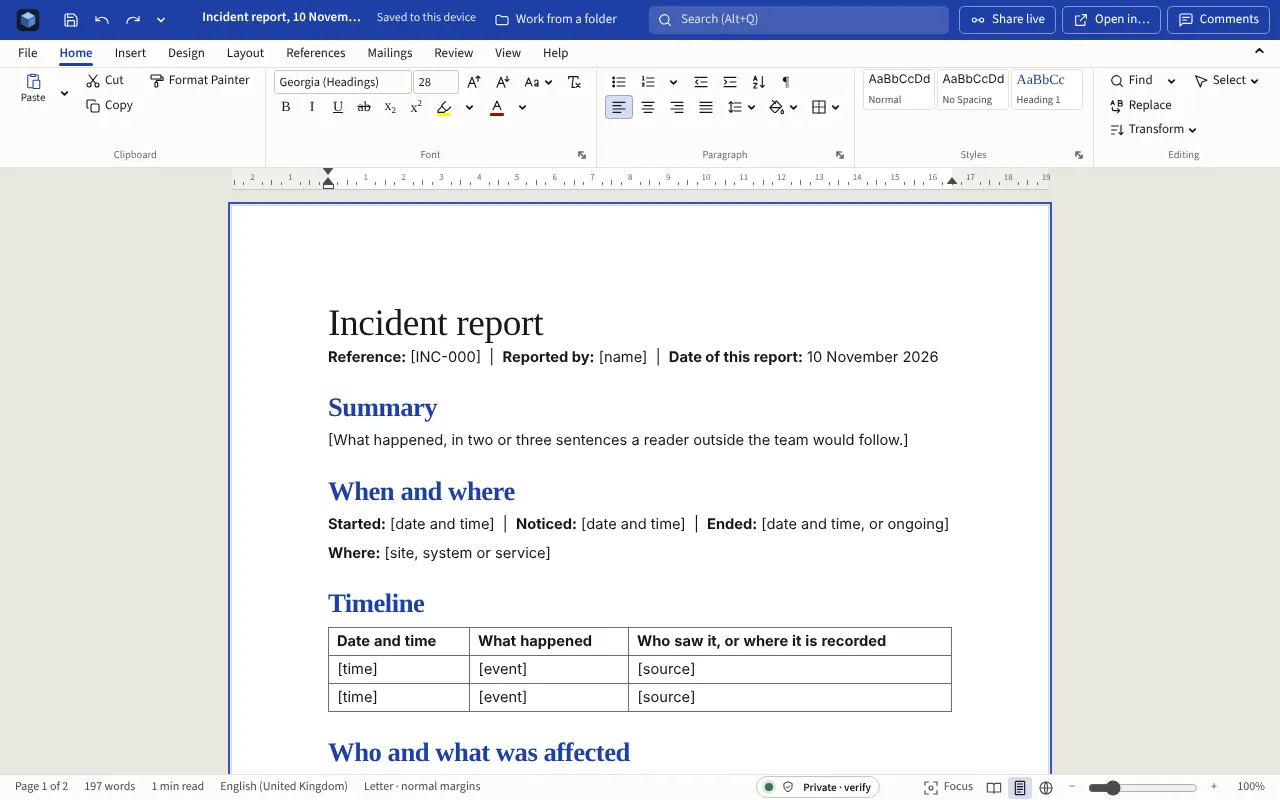
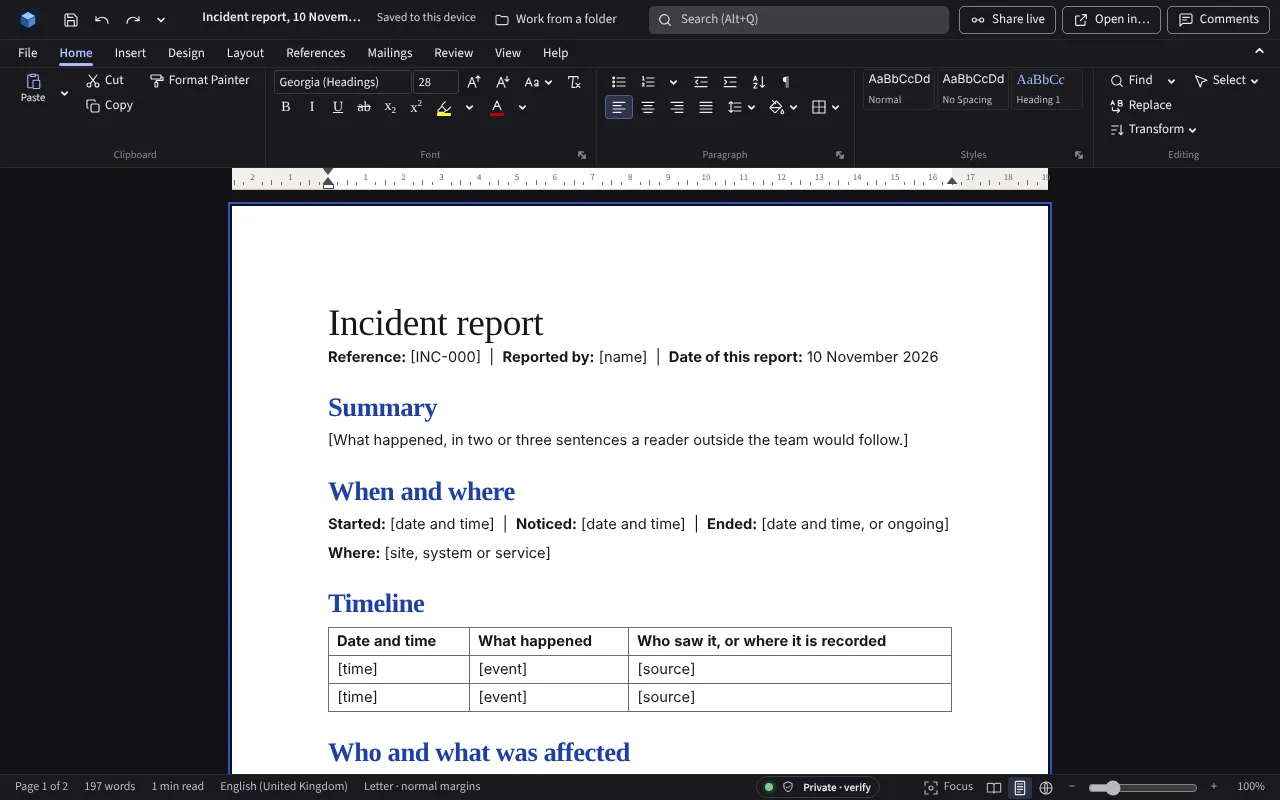
The template in full
Everything in square brackets is for you to replace. The date fills in as the day you open it.
Incident report
Reference: [INC-000] | Reported by: [name] | Date of this report: [today’s date]
Summary
[What happened, in two or three sentences a reader outside the team would follow.]
When and where
Started: [date and time] | Noticed: [date and time] | Ended: [date and time, or ongoing]
Where: [site, system or service]
Timeline
| Date and time | What happened | Who saw it, or where it is recorded |
|---|---|---|
| [time] | [event] | [source] |
| [time] | [event] | [source] |
Who and what was affected
[People, systems, data or property, and how many.]
Personal data
[Was personal data lost, disclosed, altered or made unavailable? If so, whose, how much, and what harm could follow. Under the UK and EU GDPR a personal data breach that is likely to put people at risk must be reported to the regulator within 72 hours of becoming aware of it.]
What was done at the time
[The immediate steps taken to stop it, and by whom.]
Why it happened
[The cause, as far as it is known. Say what is established and what is still a view.]
Actions
- [Action], [owner], by [date].
- [Action], [owner], by [date].
Sign-off
[Name, role and date of whoever closes the incident.]
Filling it in
- Start the timeline at once and add to it as things happen. Times written down later are guesses.
- Give every timeline entry its source: who saw it, or which log it is in.
- If personal data was involved, decide quickly whether it must be reported. Under the UK and EU GDPR a breach likely to put people at risk goes to the regulator within 72 hours of becoming aware of it.
- Keep “why it happened” to what is established, and say what is still a view.
The next step
More templates
- Risk registerEach risk with an owner, a likelihood and impact from 1 to 5, the score and rating worked out, and the next review date.Open in Sheets
- Meeting notesWho was there, what was agreed, and who does what by when, ticked off as it is done.Open in Docs
- Project status reportWhere the project stands and why, in a line, then what was done, what is next, and what you need from the reader.Open in Docs