Attendance register template
A row for each person and a column for each session, with attendance worked out both ways.
Open in SheetsFree, with no account. What you type stays in this browser. Saves as Excel, OpenDocument or CSV.
What is in it
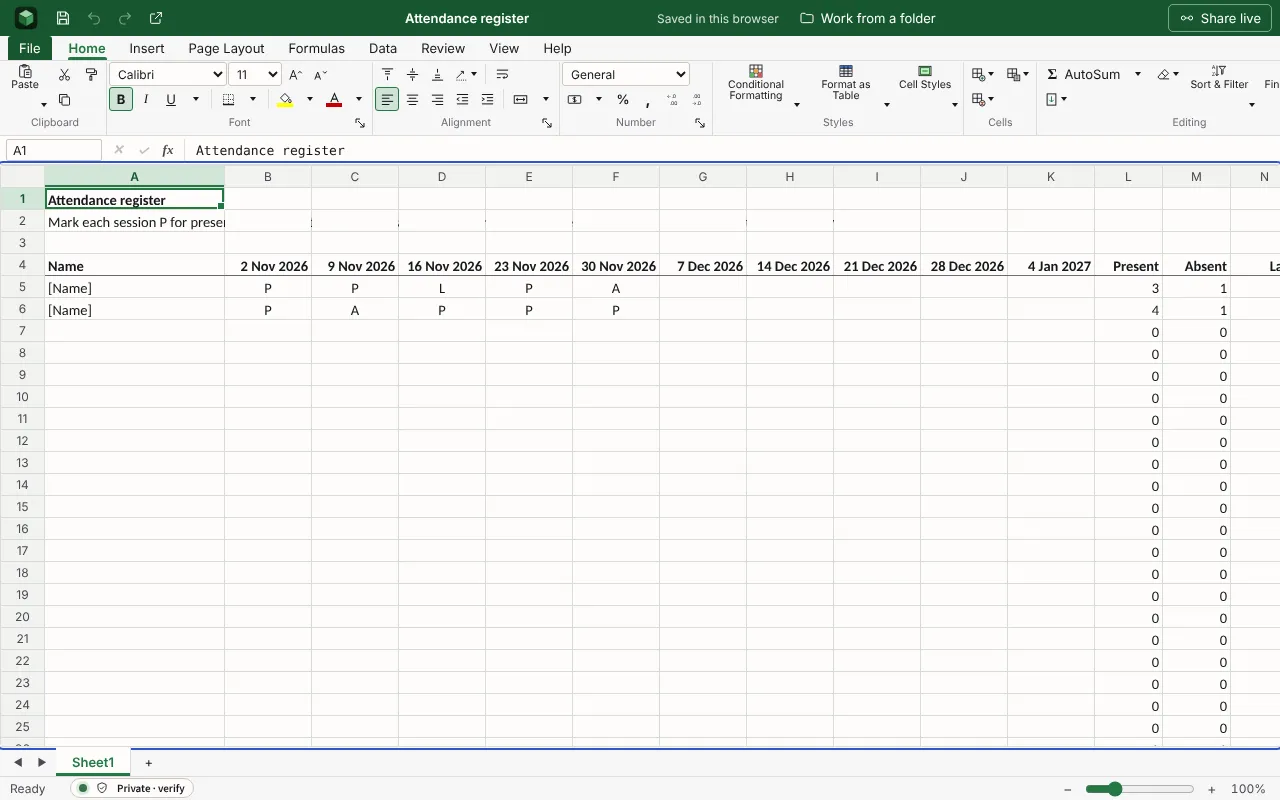
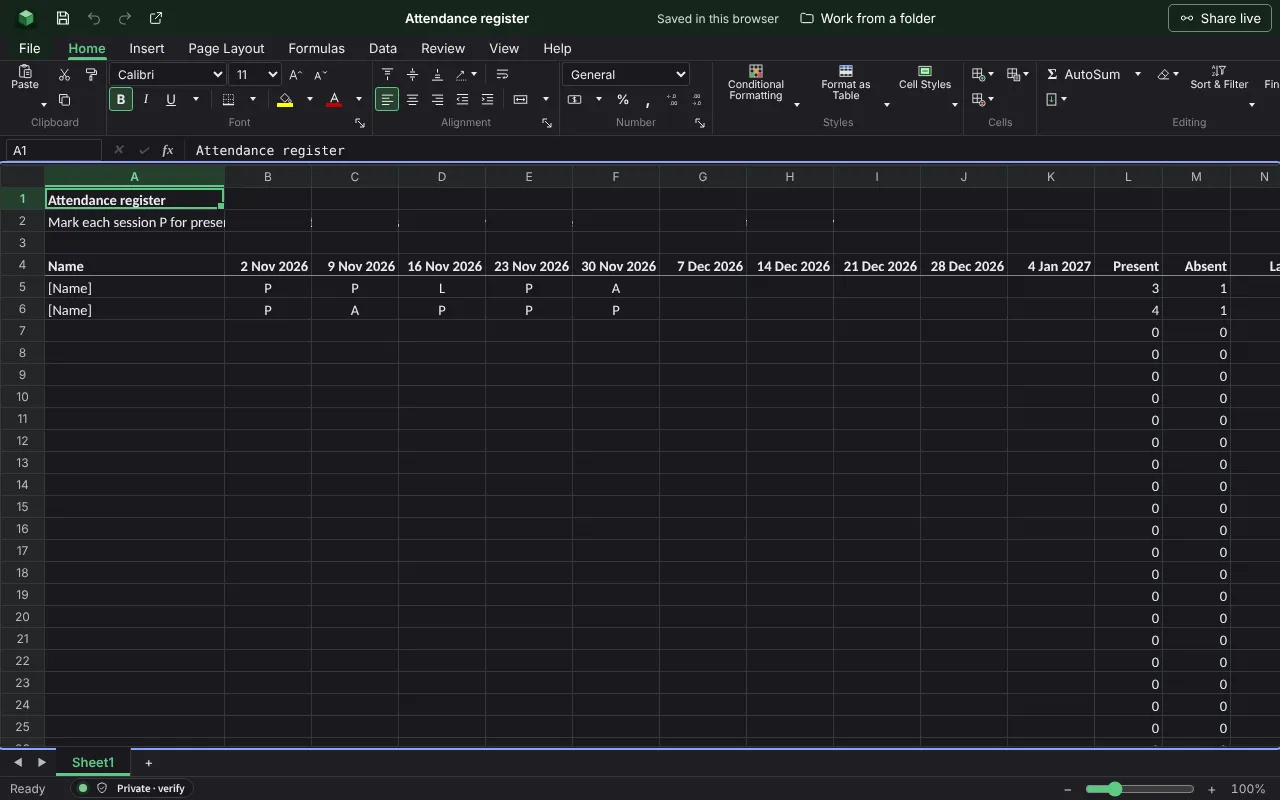
A row for each person and a column for each session marked P, A or L, with each person’s attendance and how many came to each session. The figures are examples to type over; the workbook runs wider than the columns shown here.
| Attendance register | |||||||
| Mark each session P for present, A for absent or L for late. Late counts as there in the attendance figure. Change the dates in row 4 to your own. | |||||||
| Name | 2026-11-02 | 2026-11-09 | 2026-11-16 | 2026-11-23 | 2026-11-30 | 2026-12-07 | 2026-12-14 |
| [Name] | P | P | L | P | A | ||
| [Name] | P | A | P | P | P | ||
Worked out for you
These cells are formulas, so they follow whatever you type. Each is shown as written in its first row.
- Present
=COUNTIF(B5:K5,"P")- Absent
=COUNTIF(B5:K5,"A")- Late
=COUNTIF(B5:K5,"L")- Attendance
=IF(L5+M5+N5=0,"",ROUND((L5+N5)/(L5+M5+N5)*100,0)&"%")- There at each session: 2026-11-02
=COUNTIF(B5:B34,"P")+COUNTIF(B5:B34,"L")- There at each session: 2026-11-09
=COUNTIF(C5:C34,"P")+COUNTIF(C5:C34,"L")- There at each session: 2026-11-16
=COUNTIF(D5:D34,"P")+COUNTIF(D5:D34,"L")- There at each session: 2026-11-23
=COUNTIF(E5:E34,"P")+COUNTIF(E5:E34,"L")- There at each session: 2026-11-30
=COUNTIF(F5:F34,"P")+COUNTIF(F5:F34,"L")- There at each session: 2026-12-07
=COUNTIF(G5:G34,"P")+COUNTIF(G5:G34,"L")- There at each session: 2026-12-14
=COUNTIF(H5:H34,"P")+COUNTIF(H5:H34,"L")- There at each session: 2026-12-21
=COUNTIF(I5:I34,"P")+COUNTIF(I5:I34,"L")
Filling it in
- Change the dates in row 4 to your own sessions; there is room for ten.
- Use the same three letters throughout. Anything else, such as a tick, is not counted.
- Late counts as there in the attendance figure. If you want lateness to count against it, change the formula in the Attendance column.
More templates
- Mark bookEach pupil’s marks for tests, coursework and the exam, weighted as you set, with the overall percentage, the grade from your boundaries, and the class average.Open in Sheets
- Lesson planThe objective and how you will know it was met, the lesson minute by minute, and room to note what to change.Open in Docs
- Event budgetEach cost of a wedding, party or conference with its supplier, the estimate, the actual price, what has been paid and what is still to pay, against the total you set.Open in Sheets